
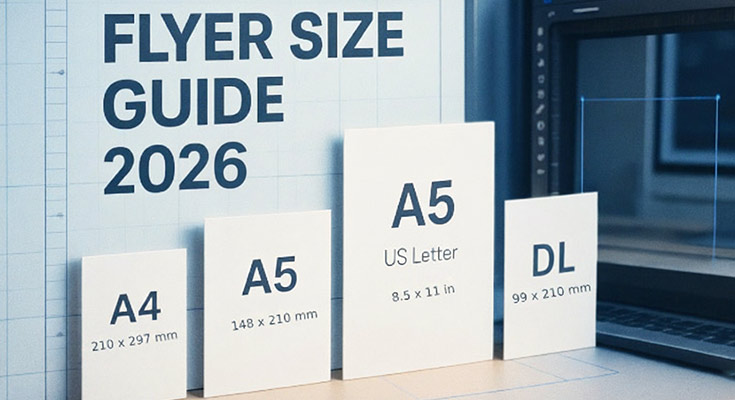
The standard flyer size is 8.5 × 11 in (US Letter, 216 × 279 mm) in the United States and A4 (210 × 297 mm) in most of the rest of the world. For handouts, the most-used compact formats are A5 (148 × 210 mm) and half-letter (5.5 × 8.5 in). At print resolution (300 DPI) that’s 2550 × 3300 px for Letter and 2480 × 3508 px for A4. Everything else on this page is the production detail that decides whether your file prints clean or gets rejected: bleed, safe area, DPI and mailing limits.
All Standard Flyer Sizes in One Table
Trim = the final size after cutting. “With bleed” = the canvas you must design at (trim + 0.125 in / 3 mm per side). Pixels assume 300 DPI.
| Format | Trim (inches) | Trim (mm) | Px @ 300 DPI | Px with bleed | Typical job |
|---|---|---|---|---|---|
| 4 × 6 | 4 × 6 | 102 × 152 | 1200 × 1800 | 1275 × 1875 | Coupons, counter cards |
| A6 | 4.13 × 5.83 | 105 × 148 | 1240 × 1748 | 1311 × 1819 | Small handbills, inserts |
| 5 × 7 | 5 × 7 | 127 × 178 | 1500 × 2100 | 1575 × 2175 | Event announcements |
| A5 | 5.83 × 8.27 | 148 × 210 | 1748 × 2480 | 1819 × 2551 | The default handout outside the US |
| Half-letter | 5.5 × 8.5 | 140 × 216 | 1650 × 2550 | 1725 × 2625 | The default US handout; 2-up on Letter |
| DL | 3.9 × 8.27 | 99 × 210 | 1169 × 2480 | 1240 × 2551 | Rack cards, envelope inserts (one third of A4) |
| Rack card | 4 × 9 | 102 × 229 | 1200 × 2700 | 1275 × 2775 | Display racks, service menus |
| US Letter | 8.5 × 11 | 216 × 279 | 2550 × 3300 | 2625 × 3375 | The US all-purpose flyer |
| A4 | 8.27 × 11.69 | 210 × 297 | 2480 × 3508 | 2551 × 3579 | The international all-purpose flyer |
| 9 × 12 | 9 × 12 | 229 × 305 | 2700 × 3600 | 2775 × 3675 | Premium handouts, menus |
| 11 × 17 | 11 × 17 | 279 × 432 | 3300 × 5100 | 3375 × 5175 | Lobby/window displays |
| A3 | 11.69 × 16.54 | 297 × 420 | 3508 × 4961 | 3579 × 5031 | Poster-style display, ISO markets |
Square formats are not part of ISO 216; printers commonly offer 5 × 5 in, 6 × 6 in (1800 × 1800 px) and 148 × 148 mm (1748 × 1748 px). Confirm before designing, because square stock is usually a custom cut.
Bleed, Trim and Safe Area: The Three Lines That Decide Whether Your File Prints
Printers cut stacks of sheets with a blade that can drift a millimetre or two. Bleed is the extra artwork you add outside the trim line so that drift never leaves a white sliver at the edge. The safe area is the inner margin where all text, logos and QR codes must live.
- Bleed: 0.125 in (US) or 3 mm (ISO) beyond trim on every side. Backgrounds and photos must run all the way to the bleed edge.
- Trim: the size in the table above. That is what the customer holds.
- Safe area: keep critical content at least 0.125 to 0.25 in (3 to 5 mm) inside the trim line.
- QR codes: give the code its own quiet zone of at least 4 modules (about 5 mm on a handout) and never let it cross the safe area. Most scan failures we see are placement errors, not design errors.
If your printer asks for “A5 with 3 mm bleed”, they want a 154 × 216 mm canvas (1819 × 2551 px at 300 DPI), not a 148 × 210 mm file.
Pixels and DPI: How The Numbers Work
A flyer has no fixed pixel size; pixels = physical size × resolution. Commercial print wants 300 DPI at trim size. The same A4 sheet at different resolutions:
| DPI | A4 in pixels | Use |
|---|---|---|
| 72 | 595 × 842 | Screen preview only |
| 150 | 1240 × 1754 | Draft proofs |
| 300 | 2480 × 3508 | Standard commercial print |
| 600 | 4960 × 7016 | Fine line art / very small type |
Conversion: inches × DPI = px; for mm use (mm ÷ 25.4) × DPI. Designing at 72 DPI and “upscaling” does not add detail. It prints soft. Set the document to the trim-plus-bleed size at 300 DPI before you design.
Choosing a Size by Distribution, Not by Preference
- Street handouts: A6 to A5 (or 4 × 6 to half-letter). One hand, one glance, one offer.
- Counters and racks: DL or rack card; they fit standard holders and #10-style envelopes.
- Notice boards and walls: Letter/A4 minimum; 11 × 17 or A3 where reading distance exceeds an arm’s length.
- Direct mail: size sets your postage. In the US, pieces up to 4.25 × 6 in can qualify for postcard rates; anything larger mails at letter rates, so a 4 × 6 or A6 is often the cheapest mailed flyer. Always confirm current rates with your mail house.
- Budget math: half-letter prints 2-up on a Letter sheet and quarter-page (4.25 × 5.5 in) prints 4-up. If the message fits, halving the sheet roughly halves the print cost.
Digital “Flyers”: The Pixel Sizes That Matter Online
When the flyer lives on a screen, physical sizes stop applying and aspect ratios take over:
- Feed post: 1080 × 1350 px (4:5), the ratio that keeps the most screen height on mobile feeds.
- Square post: 1080 × 1080 px.
- Story / status / WhatsApp: 1080 × 1920 px (9:16).
- Keep type above about 40 px tall at these sizes. A print headline does not survive a 6-inch screen.
Five Mistakes That Waste a Print Run
- 72 DPI artwork lifted from a website. It prints pixelated.
- No bleed. You get white hairlines on one or more edges after trimming.
- Text or QR codes on the trim line. They get partially cut on the drift side.
- RGB colour for offset print. Colours shift. Export CMYK (or PDF/X) per your printer’s spec.
- Designing Letter for an ISO print run (or vice versa). 8.5 × 11 in and A4 differ by about 6 mm in width, so layouts with edge margins will crop wrong.
Common Flyer Sizes and Their Uses
Understanding the intended purpose of your size can help you select the most effective dimensions. Below are some of the most popular flyer sizes along with their specific uses and design tips to make the most out of each format.
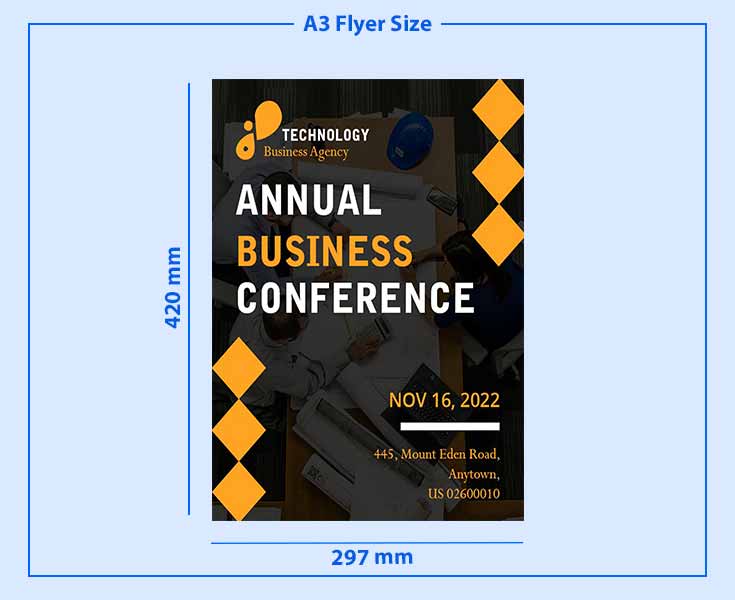
A3 Flyer Size
The A3 flyer size is perfect for making a bold statement, offering ample space for eye-catching visuals and detailed content.
- Dimensions:
- Inches: 11.7″ x 16.5″
- Pixels: 3508 x 4961 pixels
- CM: 29.7 cm x 42 cm
- MM: 297 mm x 420 mm
- Overview: A large flyer size offers plenty of space for graphics, images, and detailed information.
- Best for: Posters, promotional events, product showcases, large-format designs.
- Design Tip: Use the extra space for bold, high-quality images and prominent headlines. Avoid overcrowding the flyer with text.
A4 Flyer Size
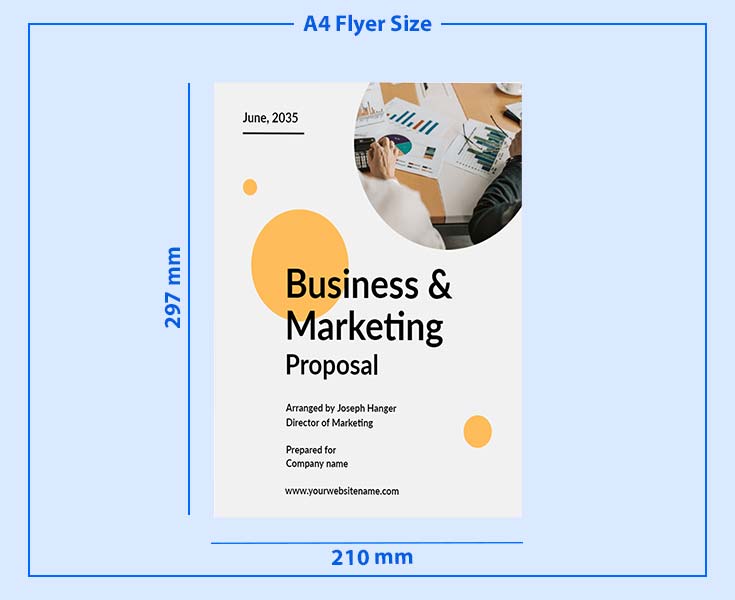
The A4 flyer size is a versatile and widely used option, balancing detailed content with a convenient, easy-to-distribute format.
- Dimensions:
- Inches: 8.3″ x 11.7″
- Pixels: 2480 x 3508 pixels
- CM: 21 cm x 29.7 cm
- MM: 210 mm x 297 mm
- Overview: The most commonly used size, ideal for detailed content while still easy to handle.
- Best for: Business handouts, event promotions, corporate flyers, brochures.
- Design Tip: Focus on a balanced design, with clear headings and enough white space to keep the layout organized.
A5 Flyer Size
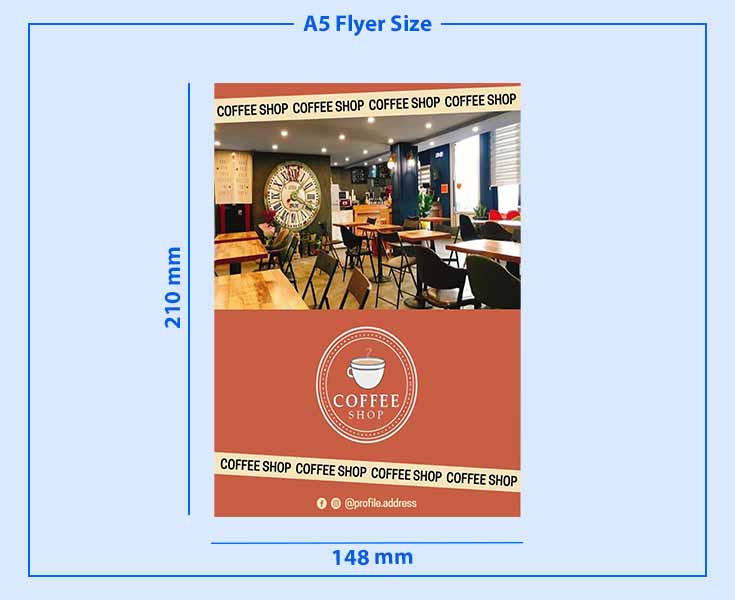
The A5 flyer size is a compact yet effective choice, offering a balance between portability and sufficient space for key information.
- Dimensions:
- Inches: 5.8″ x 8.3″
- Pixels: 1748 x 2480 pixels
- CM: 14.8 cm x 21 cm
- MM: 148 mm x 210 mm
- Overview: A versatile and cost-effective flyer size with enough space for key details. A half-page flyer (5.5″ x 8.5″) is a compact alternative, maintaining readability while lowering printing costs – ideal for mass distribution.
- Best for: General marketing, invitations, event flyers, and promotions.
- Design Tip: Use bold visuals and concise messaging. This smaller format demands attention-grabbing designs to stand out.
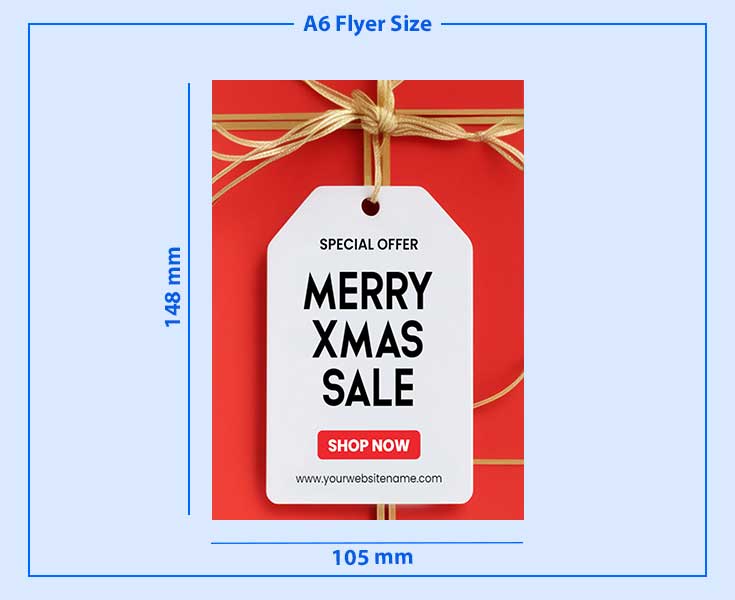
A6 Flyer Size
The A6 flyer size is a handy and portable option, making it ideal for quick promotions and direct customer engagement.
- Dimensions:
- Inches: 4.1″ x 5.8″
- Pixels: 1240 x 1748 pixels
- CM: 10.5 cm x 14.8 cm
- MM: 105 mm x 148 mm
- Overview: A compact, pocket-sized flyer, great for handing out or including in packages.
- Best for: Coupons, postcards, small advertisements, invitations.
- Design Tip: Keep the design simple and direct. Focus on one key message or image to avoid clutter on the small canvas.
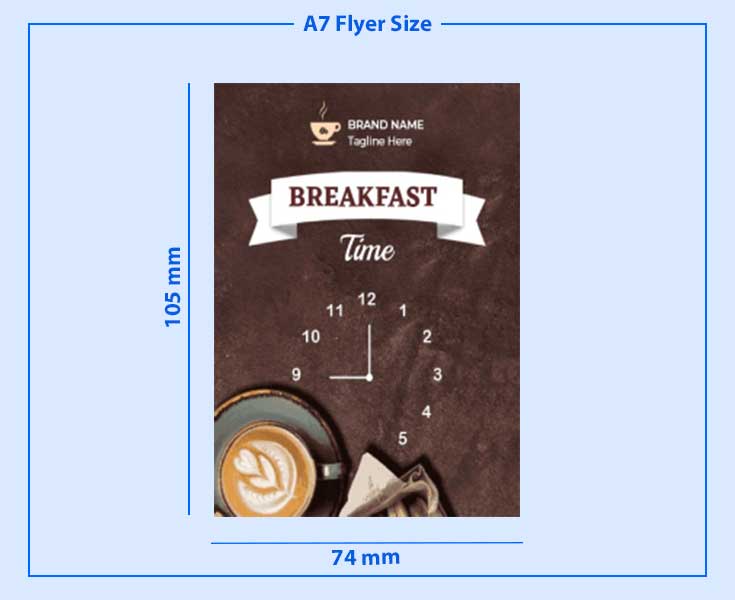
A7 Flyer Size
A7 flyers are ultra-compact and easy to distribute, making them perfect for small yet impactful marketing materials.
- Dimensions:
- Inches: 2.9″ x 4.1″
- Pixels: 874 x 1240 pixels
- CM: 7.4 cm x 10.5 cm
- MM: 74 mm x 105 mm
- Overview: The smallest standard flyer size, ideal for very targeted or minimal content.
- Best for: Tickets, loyalty cards, mini advertisements.
- Design Tip: Stick to minimal text and bold graphics. Use large fonts to ensure readability despite the small size.
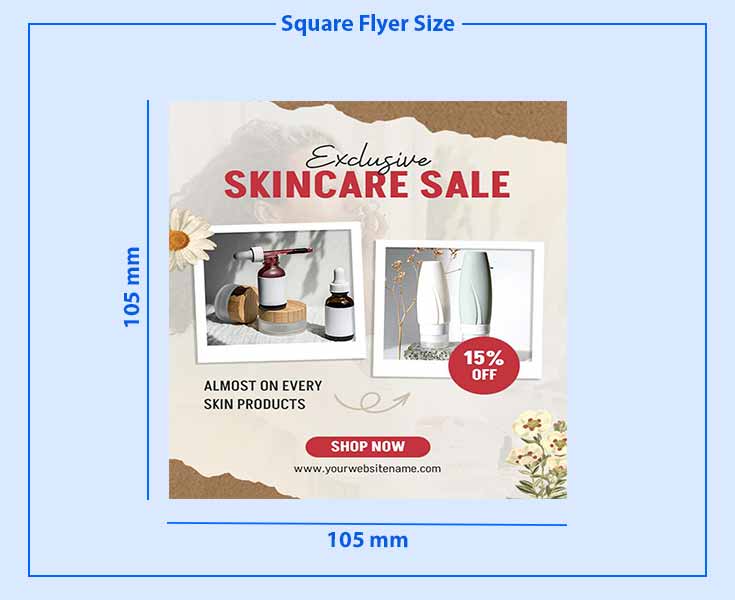
Square Flyer Size
Square flyers offer a modern and stylish look, making them great for creative marketing.
- Dimensions:
- Inches: Commonly 5″ x 5″ or 6″ x 6″
- Pixels: 1500 x 1500 pixels (for 5″ x 5″), 1800 x 1800 pixels (for 6″ x 6″)
- CM: Commonly 12.7 cm x 12.7 cm or 15.2 cm x 15.2 cm
- MM: 105 mm x 105 mm
- Overview: A trendy, modern format perfect for unique designs and creative promotions.
- Best for: Social media-friendly content, high-end product flyers, and modern marketing campaigns.
- Design Tip: Emphasize symmetry in your design. Square flyers are great for creating aesthetically pleasing layouts with centered elements.
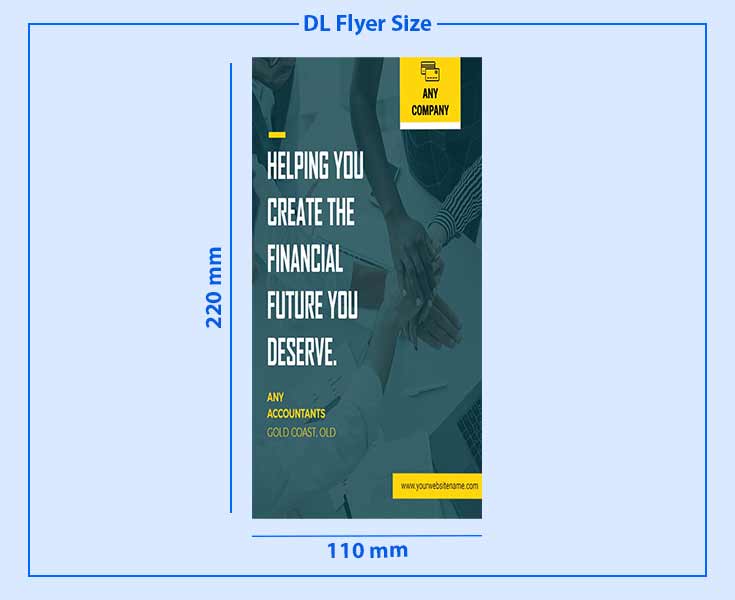
DL Flyer Size
DL flyers have a sleek, vertical layout, making them ideal for direct mail and informational handouts.
- Dimensions:
- Inches: 3.9″ x 8.3″
- Pixels: 1169 x 2480 pixels
- CM: 9.9 cm x 21 cm
- MM: 110 mm x 220 mm
- Overview: A long, narrow flyer often used for inserts and direct mail.
- Best for: Mailings, menus, event invitations, informational brochures.
- Design Tip: Organize your information vertically with clear sections. Make sure your call-to-action stands out at the bottom or top of the flyer.
How We Keep These Numbers Accurate
Dimensions for A sizes and DL follow ISO 216 (DL = one third of A4); US sizes follow the ANSI/US Letter standards; bleed and safe-area values follow standard commercial print production specs (0.125 in / 3 mm) and are cross-checked against current print-house specification sheets. Pixel values are computed at 300 DPI and rounded to whole pixels. When your printer’s spec sheet differs, the printer wins.
Every size in the table above exists as an editable, export-at-300-DPI template inside DesignWiz. Open the format you need, add your content, and export with bleed in one click: editable flyer templates.
Frequently Asked Questions
8.5 × 11 in (US Letter) in the US; A4 (210 × 297 mm) internationally. Both are full-size, all-purpose formats.
Close, not identical: A5 is 148 × 210 mm, half-letter 140 × 216 mm. Don’t swap print files between them.
Letter is wider and shorter (216 × 279 mm); A4 is narrower and taller (210 × 297 mm).
A third of an A4 sheet: 99 × 210 mm (3.9 × 8.27 in). It fits DL envelopes and leaflet racks, which is why it dominates counter distribution.
Whichever size × 300 DPI: Letter = 2550 × 3300 px, A4 = 2480 × 3508 px, A5 = 1748 × 2480 px (add bleed pixels for print files).
Letter and A4 on any home printer. Anything larger (11 × 17, A3) needs a wide-format machine or a print shop.
0.125 in per side in the US, 3 mm per side in ISO markets, unless your printer specifies otherwise.